
How NFC Review Cards Work with iPhone and Android
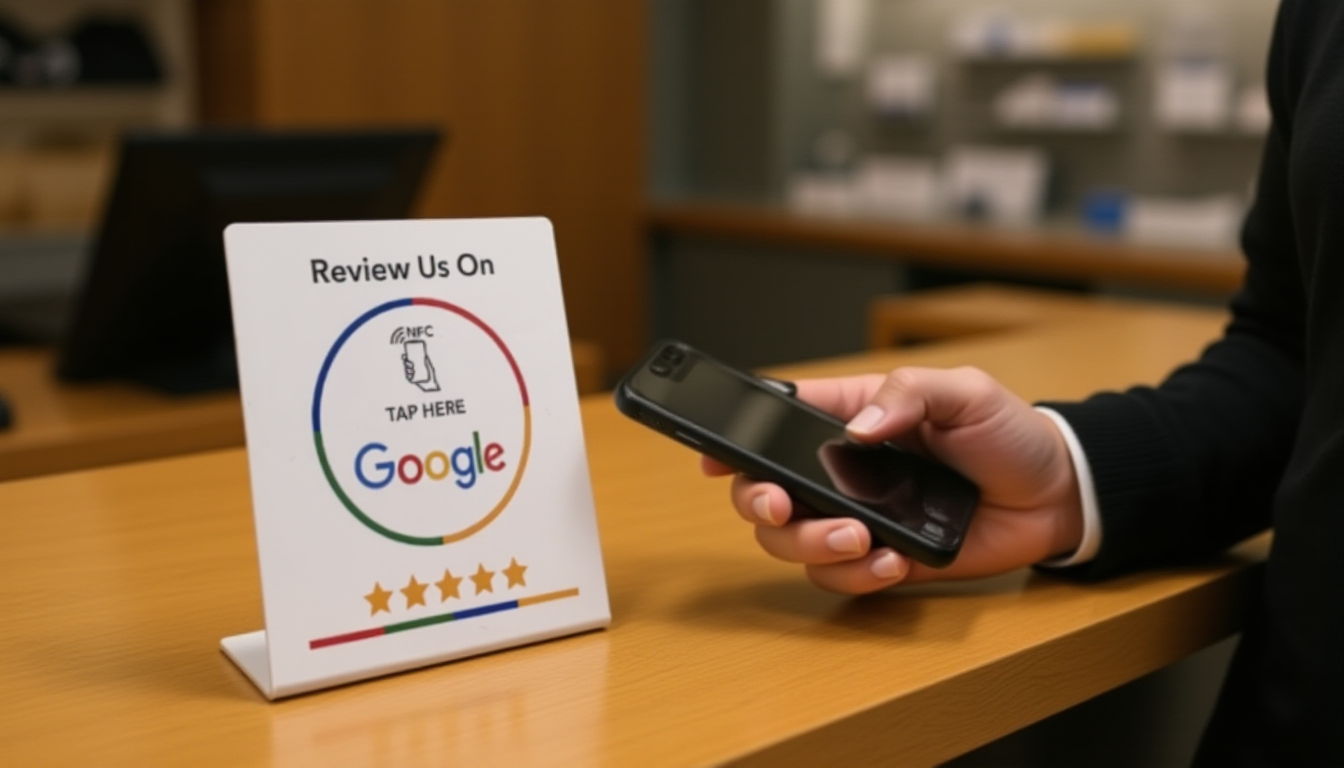
NFC review cards work by wirelessly transmitting a URL to a smartphone when tapped or held nearby. iPhones (XR and newer) read NFC tags automatically without opening an app, while most Android phones (running Android 5.0+) read NFC tags either automatically or through a quick settings toggle. Both systems then open the embedded Google review link in the phone's browser.
The technology behind these simple cards is the same Near Field Communication standard used for contactless payments, but instead of processing a transaction, the card stores and transmits a web address. Understanding how this works on different devices helps businesses set up and use review collection tools effectively.
What Happens When Someone Taps an NFC Review Card
When a customer brings their phone near an NFC review card, the phone's antenna detects the card's electromagnetic field within a range of about 1-4 centimeters. The card contains a tiny NFC chip programmed with a URL—typically a direct link to your Google Business Profile review page.
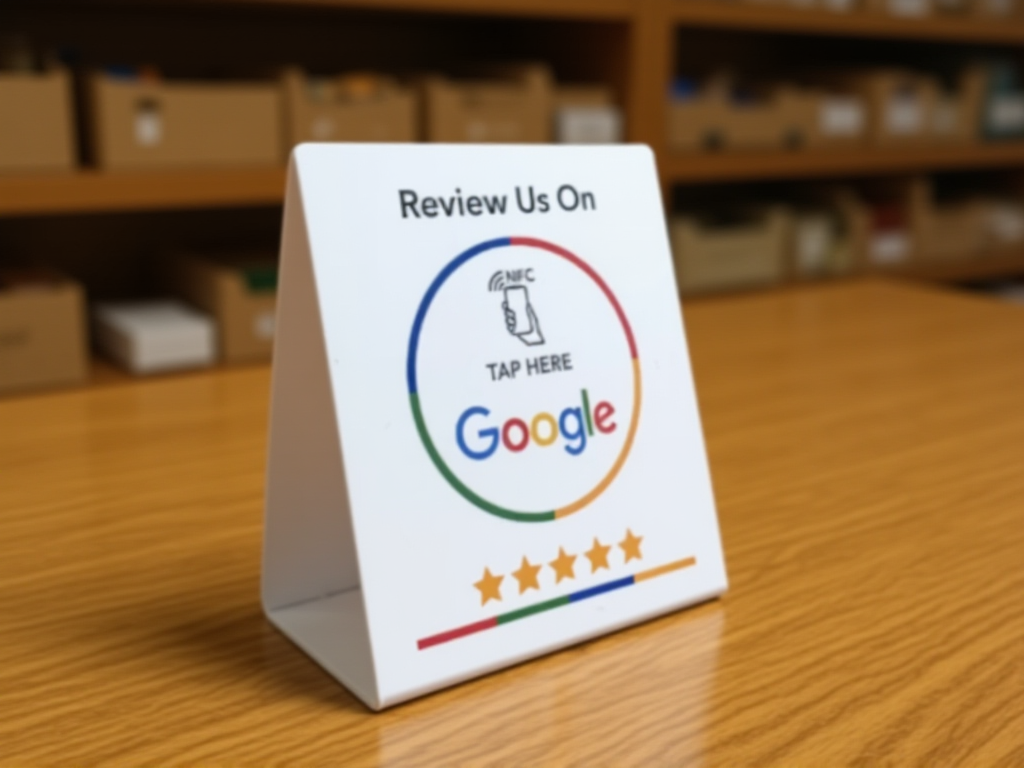
On iPhones from the XR model onward (released in 2018), this happens automatically when the phone's screen is on and unlocked. A notification appears at the top of the screen, and tapping it opens Safari to the review page. No app installation or special setup is required from the customer.
Android phones handle NFC differently depending on the manufacturer and Android version. Most modern Android devices have NFC enabled by default, and tapping the card triggers a notification similar to iPhone. Some older or budget Android phones may require users to enable NFC in their settings first, though this is becoming less common.
Device Compatibility: What Phones Actually Work
For iPhones, NFC reading capability started with the iPhone XR, XS, and XS Max in 2018. The iPhone SE (2nd generation, 2020) and all subsequent models also support background NFC tag reading. Older iPhones from the 7 through X can read NFC tags, but only through a dedicated app, which creates friction most customers won't tolerate.
The Android ecosystem is more fragmented but generally more accommodating. Most Android phones released since 2015 include NFC hardware. Samsung, Google Pixel, OnePlus, Motorola, and other major manufacturers have included NFC as standard for years. The percentage of customers with compatible Android phones in most developed markets now exceeds 80%.
Budget and older phones represent the main compatibility gap. Very inexpensive Android models may omit NFC hardware to reduce costs, and phones older than 7-8 years likely lack the feature entirely. For most businesses serving typical customer demographics, compatibility covers the vast majority of potential reviewers.
Setting Up the NFC Card for Both Platforms
The beauty of NFC review cards is that they work universally—you don't need separate cards for iPhone and Android users. The card is programmed once with your Google review URL, and both operating systems read the same data.
When setting up, you'll need your direct Google review link. This is the short URL that takes someone straight to the review writing interface for your business. The NFC chip gets programmed with this URL either by the card supplier during manufacturing or by you using an NFC writing app if you purchase blank programmable cards.
Once programmed, the card requires no power source, no charging, and no maintenance. The chip remains readable indefinitely. Place the card on a counter, reception desk, checkout area, or anywhere customers naturally pause during their visit. NFC review cards work best in these environments because the interaction is quick and doesn't interrupt the customer's flow.
Common Technical Issues and Simple Fixes
The most common issue isn't technical failure—it's user hesitation. Many customers aren't familiar with NFC and may not know to hold their phone near the card. Clear visual instructions on or near the card help significantly. A simple "Hold phone here" indicator with an arrow pointing to the tap zone solves most confusion.
Phone cases rarely interfere with NFC, even thick ones, but metal cases or magnetic mounts can block the signal. If a customer's phone doesn't respond, suggesting they remove a metal case usually resolves it. Very thick wallets attached to phone cases occasionally cause issues too.
On Android, if NFC is disabled in settings, nothing happens when tapping the card. This isn't common with newer phones that ship with NFC enabled by default, but it does occur. Rather than trying to walk customers through enabling NFC—a frustrating experience for everyone—most businesses simply have a backup QR code available for these rare situations.
Practical tip: Test your NFC review card with several different phone models before placing it in your customer area. Borrow phones from staff or family members to verify it works with various iPhone generations and Android manufacturers. This five-minute test prevents embarrassment and builds your confidence when encouraging customers to use the card.
Frequently Asked Questions
Do customers need to download an app to use an NFC review card?
No. Modern iPhones (XR and newer) and most Android phones read NFC tags automatically without any app installation. The phone simply opens the review link in the default browser.
Will an NFC review card work if the customer's phone battery is dead?
No. Unlike the NFC card itself (which needs no power), the smartphone must be powered on and unlocked to read the NFC tag and open the review link.
How close does the phone need to be to the NFC card?
The phone needs to be within 1-4 centimeters (roughly half an inch to an inch and a half) of the NFC chip location on the card. Holding the phone directly above or in front of the card works reliably for all compatible devices.
Ready to collect more reviews?
The ReviewCard ships across Europe, starting at €24.95. No subscription, ever.
See pricing